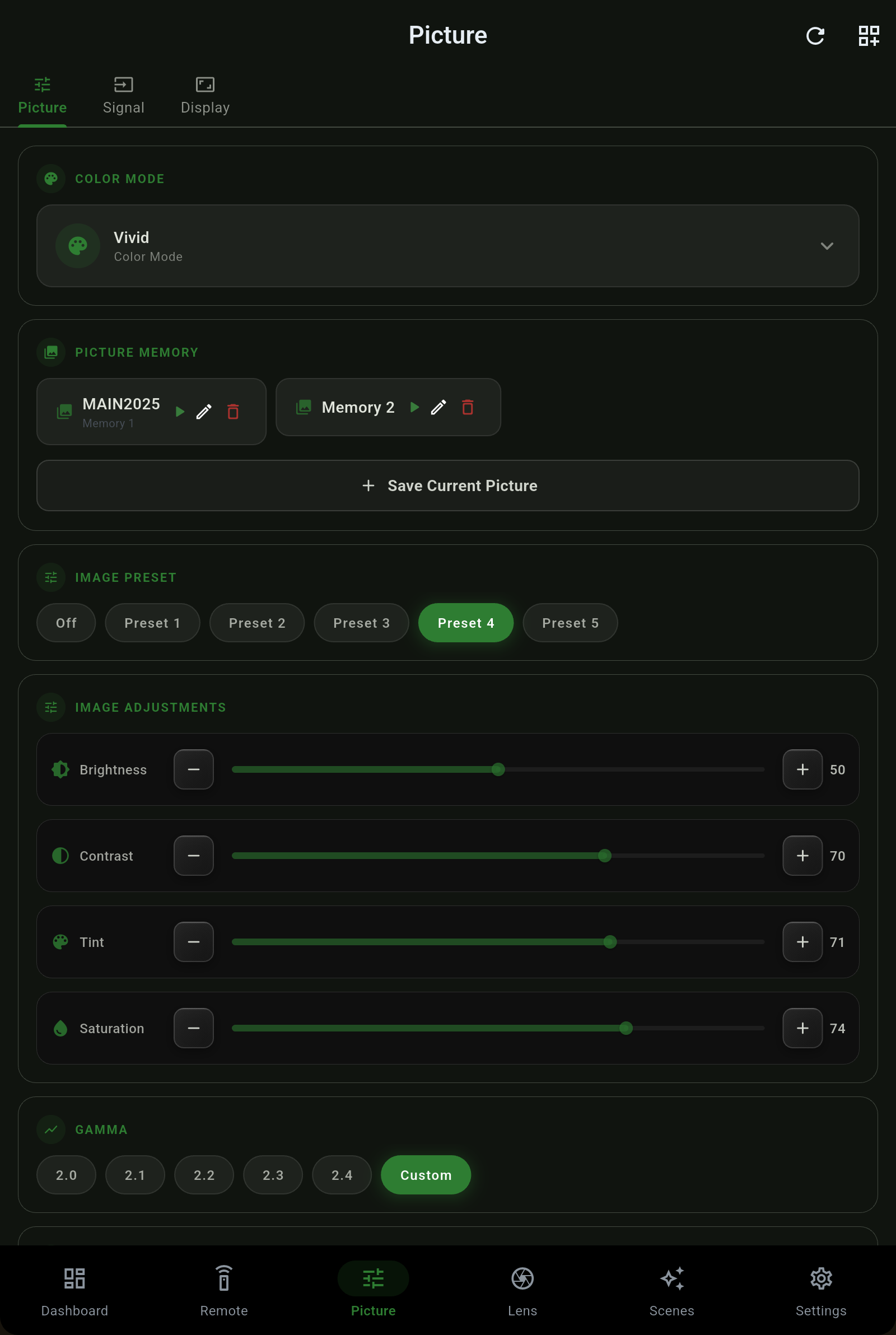
Everything the projector's picture menu holds, in one screen - brightness through frame interpolation. Every value is the number your projector's own menu shows, not its internal byte, and every change is read back from the projector afterwards so you always see the figure the hardware actually kept.
Each control shows the exact menu figure. Where the projector has declared the range a control uses, the app converts precisely as the projector does; where it has not, the number is shown as sent and the control says wire value rather than printing a guess.
Two controls that behave differently depending on the mode - and the app follows the projector rather than flattening them.
| Control | What it does |
|---|---|
| Noise Reduction | Smooths source noise, on the projector's own scale. |
| Super Resolution | Epson's detail-enhancement pass that sharpens soft sources without ringing. |
| Frame Interpolation | Motion smoothing between frames, at the levels your model supports. |
| RGB Gain / Offset | Per-channel white balance for calibrating the grayscale. |
A signal's dynamic range and its color space are two different things, and the app keeps them that way. BT.2020 does not mean HDR, and SDR does not mean BT.709.
The Picture screen lists the memories your projector actually holds, by the names you gave them on its menu. Save the current picture into a slot, rename it, or erase it - saving over a slot that already holds a memory asks first.
 Projector Pilot