Power, inputs, the picture menu, lens control, installation modes, scenes and maintenance figures for JVC D-ILA projectors, over your own network. No account, no cloud, no subscription.
Coming soon Projector Pilot D-ILA is on its way to Google Play, the App Store and the Microsoft Store, for Android, iOS, macOS and Windows. It is not on any store yet, so there is nothing to download today.
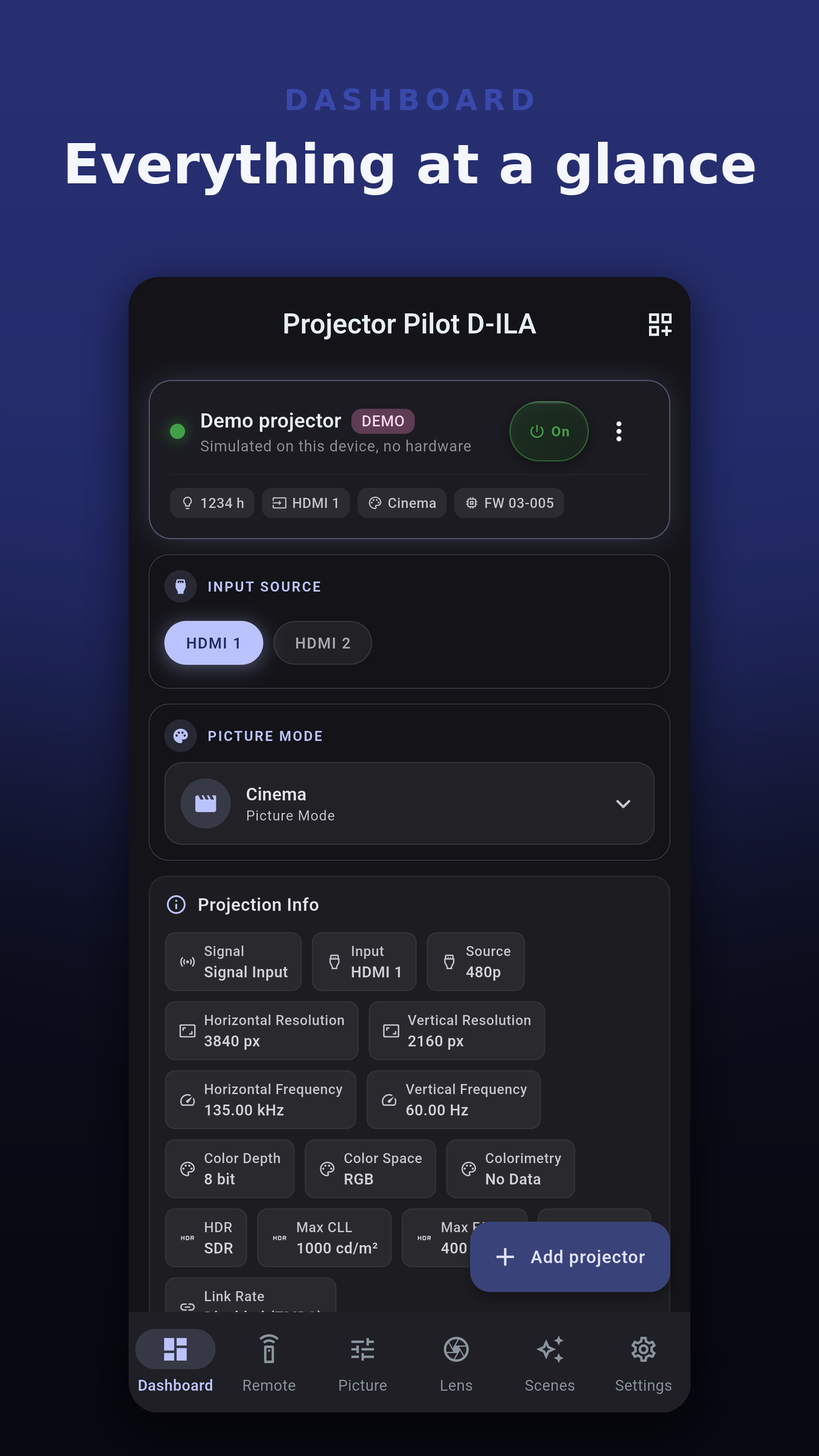
Each model gets the functions its own JVC command table documents. The app shows what your projector supports and leaves out what it does not.
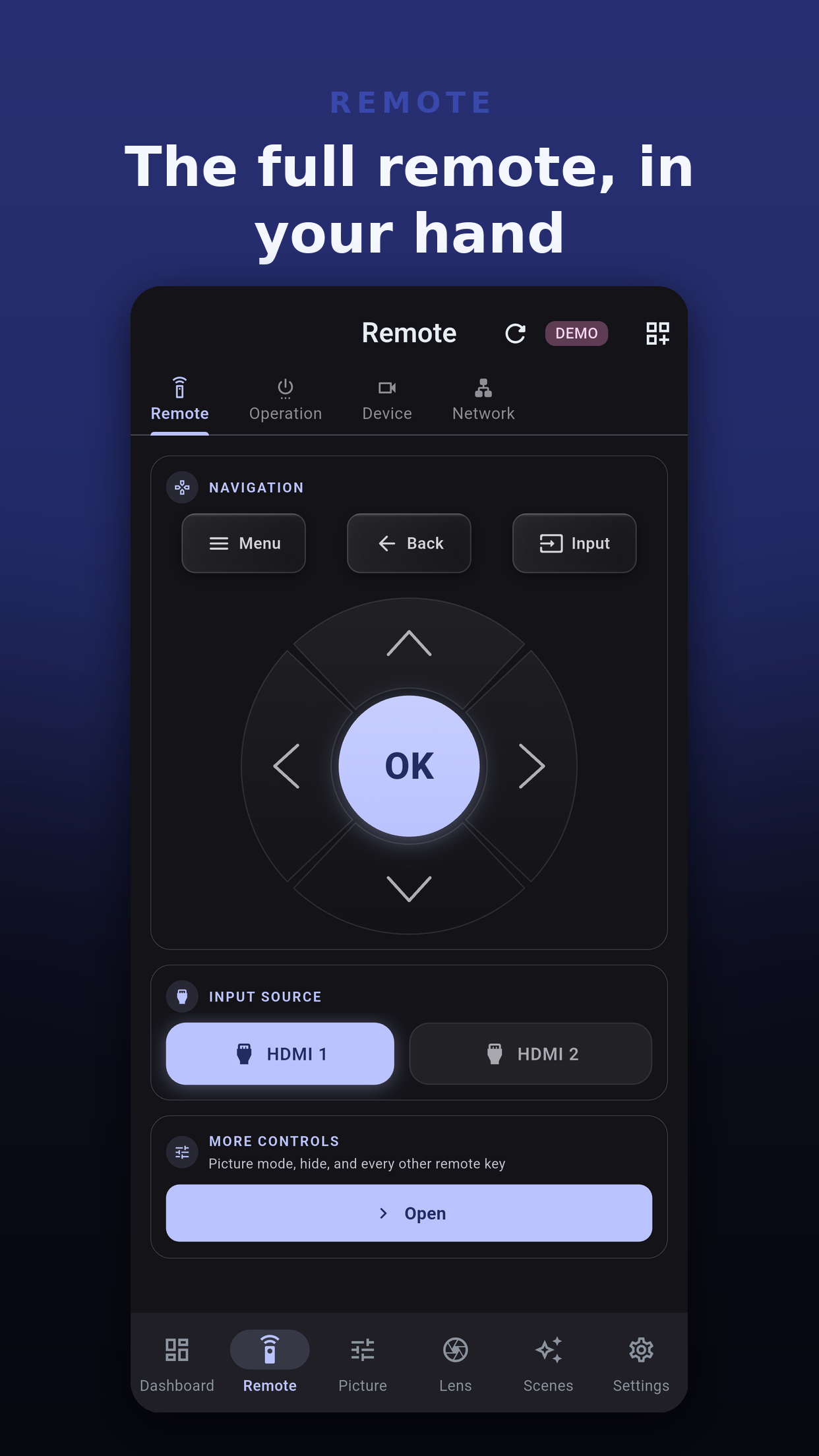
Power on and standby, HDMI 1 and HDMI 2, with the projector's warm-up shown as it happens.
Menu navigation, picture mode, content type, HDR level, gamma, color temperature, color profile, motion, hide and menu shortcuts.
Lens aperture, shift, focus and zoom with hold-to-drive, lens memories, installation modes, aspect and anamorphic.
Save a set of settings and apply it in one tap. Share a scene as a .ppscene file; importing keeps what the model offers.
Light source hours against rated life, cost per hour, opt-in reminders and an hour report you can export.
Webhooks on power, input and scene events, Hubitat through Maker API, and Home Assistant with a ready dashboard.
 Projector Pilot D-ILA