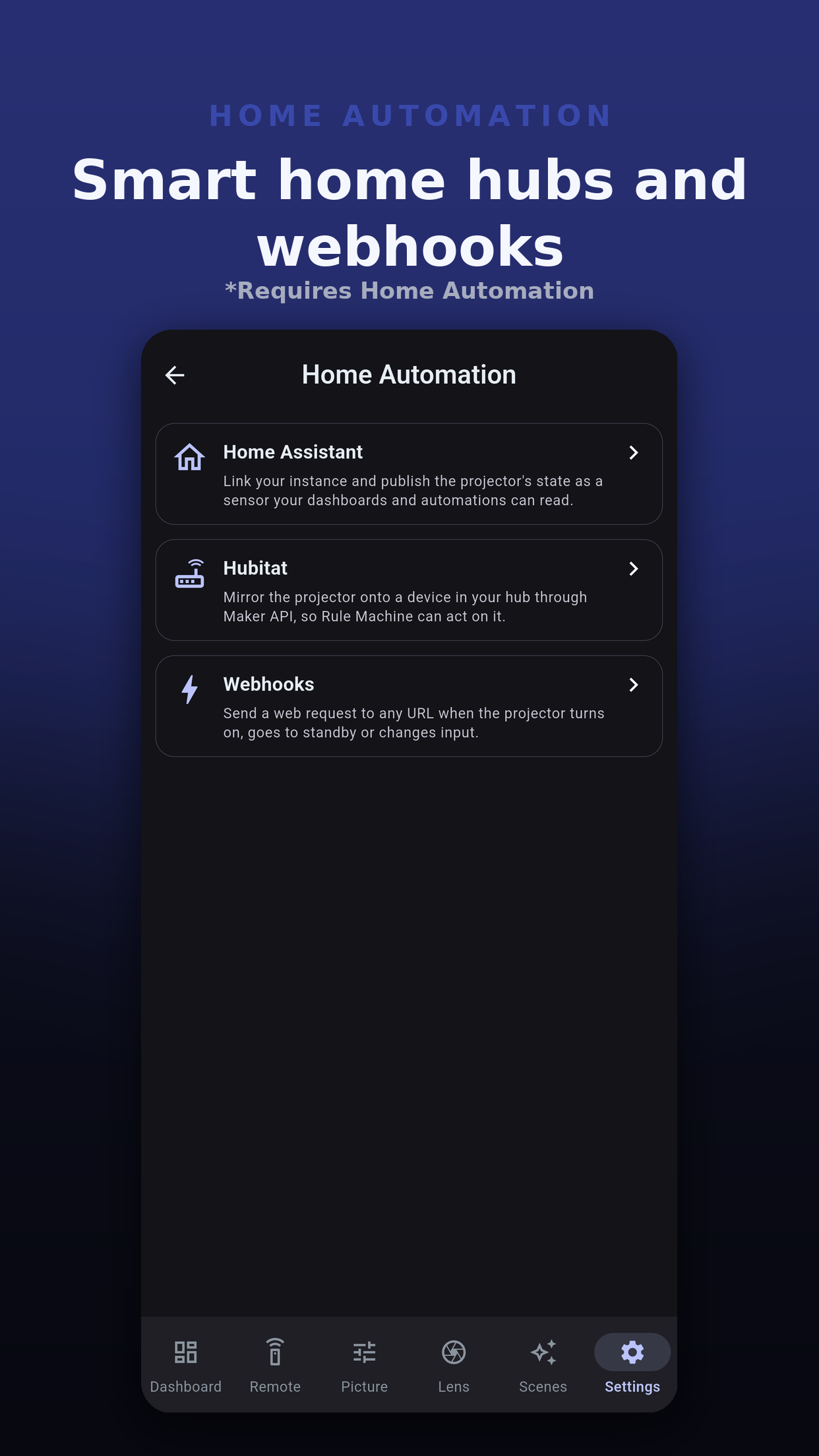
Let the rest of the house react when the projector turns on, goes to standby, changes input or recalls a scene. Three links live under Settings, Home Automation: webhook triggers, Hubitat and Home Assistant. All three need the Home Automation add-on, sold alone or in the bundle; Pro on its own does not include it.
Any system that accepts a web request: Node-RED, a home server, a cloud automation. The app sends, you decide what happens.
A one-way mirror of power and input onto a device in your hub, through Maker API, for Rule Machine to act on.
Sets up Home Assistant's own JVC Projector integration, scripts for your scenes and a ready-made dashboard.
A trigger sends a web request to an address you enter when something happens on this projector. Each projector has its own list. Tap Add trigger, then choose:
POST and PUT send a JSON body; GET sends none. The only header the app adds is Content-Type. A field that does not apply to the event is left out.
{
  "event": "input_changed",
  "projector": "Theater",
  "input": "hdmi2",
  "timestamp": "2026-11-15T20:00:00.000Z"
}
| Field | Meaning |
|---|---|
event | power_on, power_off, input_changed or scene_recalled. |
projector | The projector's name in the app. |
input | The input, such as hdmi1 or hdmi2. |
scene_id, scene_name | The scene, for a scene recall. |
timestamp | When it happened, in UTC. |
test | Present, and true, only on a request sent by Send test. |
The app mirrors this projector onto a device in your Hubitat hub through Maker API: on and standby, and the input as HDMI 1 or HDMI 2, for whichever of those the device accepts. Rule Machine can then act on it.
The app signs in to Home Assistant, adds your projector to its JVC Projector integration, publishes your scenes and controls as scripts, and builds a dashboard. It has its own pages: Home Assistant setup and the Home Assistant dashboard.
 Projector Pilot D-ILA