The Picture tab holds the image settings your model documents, on three pages: Picture, Signal and Display. Every value is read from the projector, and every change is read back. All of it is part of Pro.
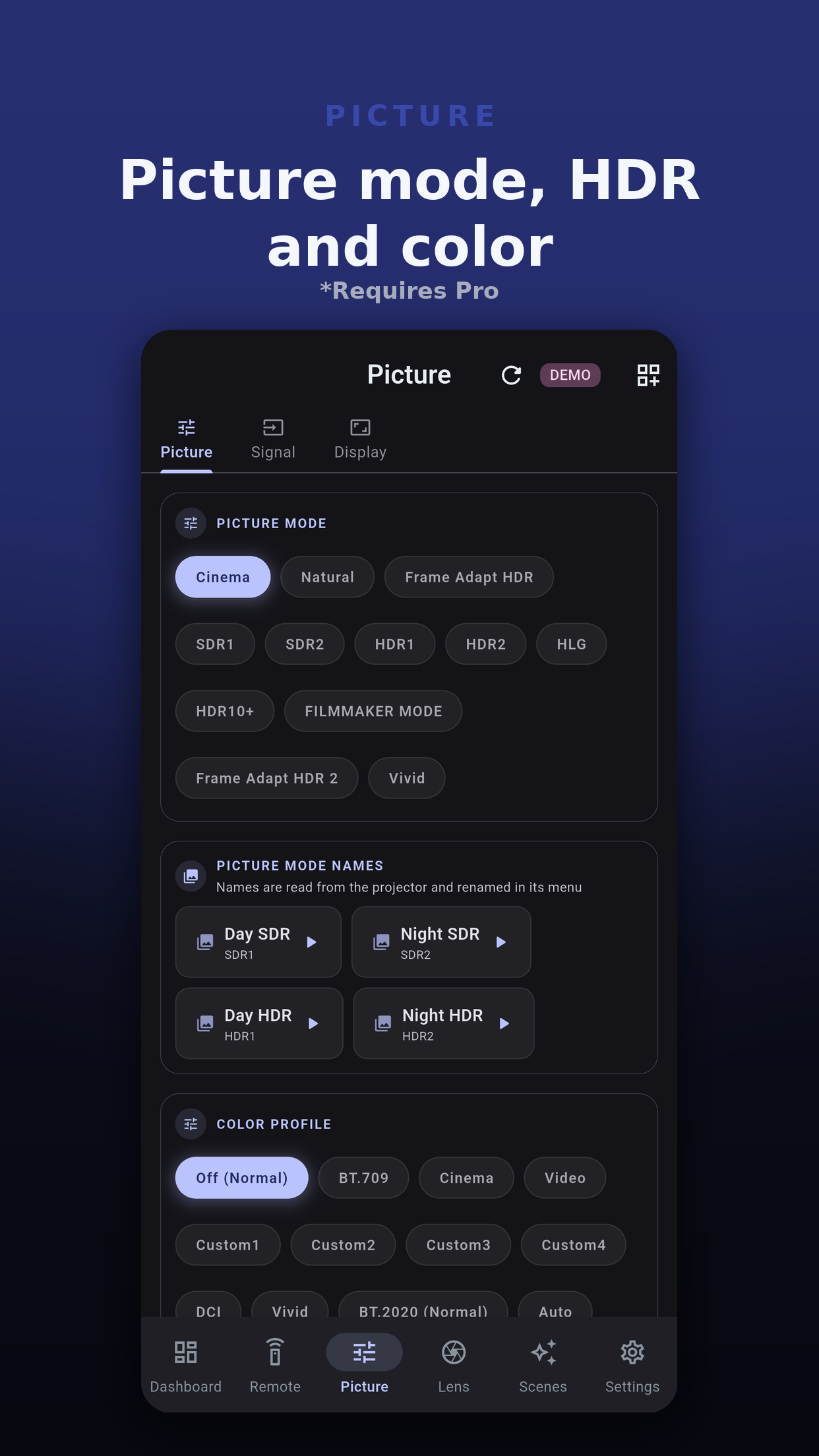
On models that support it, the Color Axis card holds Color Management and, for each of six colors, the axis position, hue, saturation and brightness.
Some settings only apply in certain conditions. The app follows those rules, so a control that cannot take effect is disabled with "Unavailable with the current Low Latency setting", or whichever setting is holding it. Nothing is sent.
| Setting | Can be changed when |
|---|---|
| HDR Processing | The incoming signal is HDR, HDR10+, HLG or ST2084. |
| Dynamic Control | Low Latency is Off. |
| Clear Motion Drive, including its remote keys | Low Latency is Off. |
| Mask edges | Mask is On. |
A scene captures the picture mode and the other picture settings your model offers, and puts them back with one tap.
 Projector Pilot D-ILA