The first release of Projector Pilot D-ILA: a remote and settings app for JVC D-ILA projectors on your local network, built from each model's own command table.
Settings come from each model's JVC command table, for 43 model profiles.
Hold-to-drive lens shift, focus and zoom, lens memories and installation modes.
Save, apply and share scenes as .ppscene files.
Hours, rated life, cost per hour, reminders and an hour report.
Adds the core jvc_projector integration, scripts and a Lovelace dashboard.
Try every screen without a projector; everything is unlocked on it.
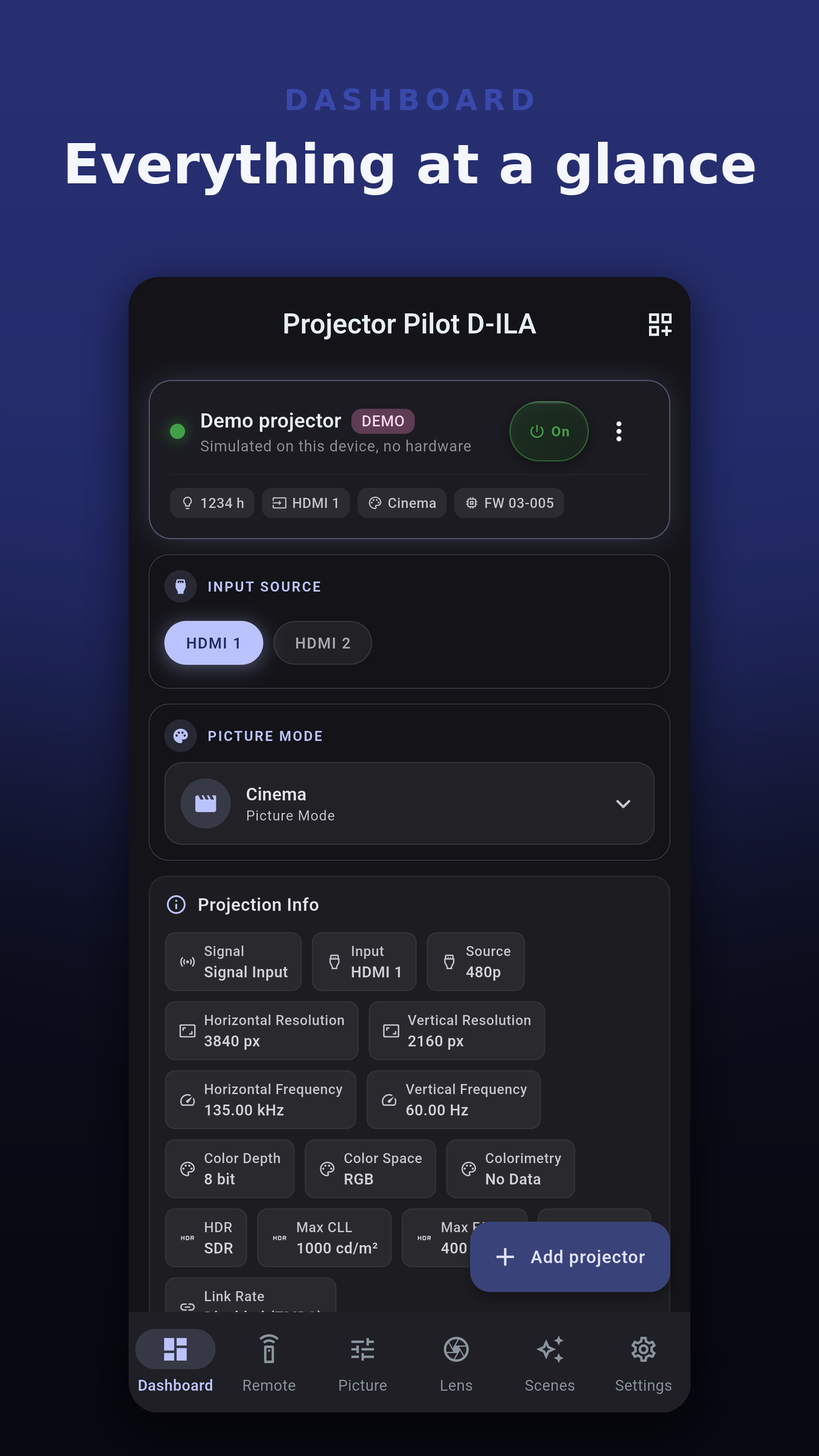
The app shows a control only when your model's command table lists it, so you never tap a setting the projector cannot take. A change the projector does not accept is reported as not accepted, not shown as done. Settings, About, Supported Projectors lists every model the app knows and how much of it the app controls.
Webhook triggers when the projector turns on, goes to standby, changes input or recalls a scene; a Hubitat mirror through Maker API; and a Home Assistant setup that signs in, adds the projector to Home Assistant's own integration, publishes your scenes as scripts and builds a dashboard. See Home automation and the Home Assistant dashboard.
No account. Projector passwords stay in the device's secure storage and out of backups. Usage analytics are off until you accept them. Diagnostic reports leave out the address, port, MAC address and password. See the privacy page.
 Projector Pilot D-ILA