Your projectors, your purchases, and how the app looks and behaves. This page walks through the Settings tab from top to bottom.
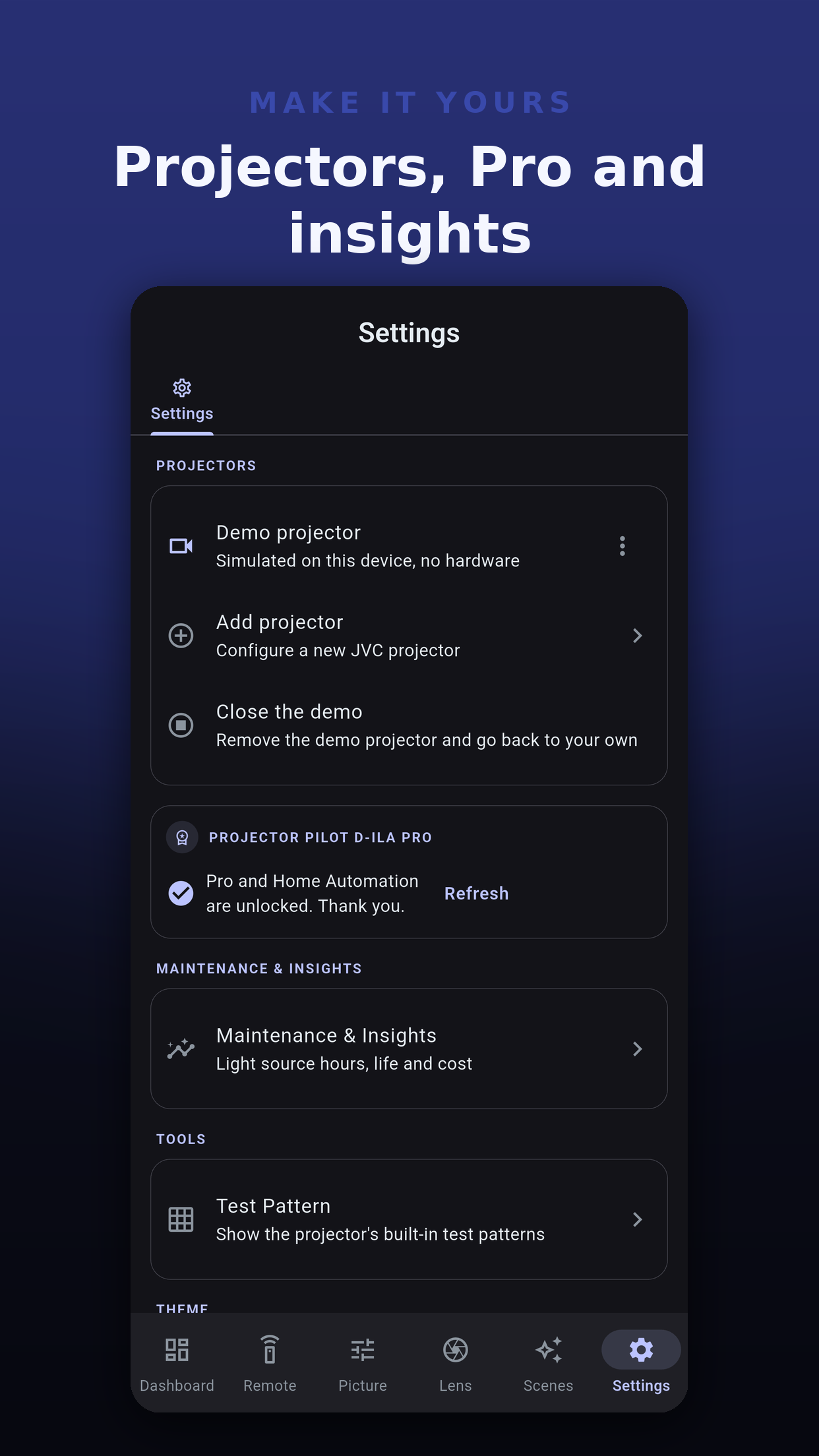
Test Pattern turns the projector's built-in pattern on and off, on models that offer one over the network. It is a switch, not a pattern picker.
If the projector does not report whether the pattern is showing, the button says so and offers to show it. If the projector does not take the change, the app says "The projector did not accept the test pattern." rather than pretending it did.
| Option | Choices |
|---|---|
| Theme | Light, Dark, or AMOLED (true black for OLED screens). |
| Color Theme | The accent that tints buttons, sliders and headers: Brand keeps the signature indigo, or pick a preset such as Forest, Ocean, Sunset, Amethyst, Slate or Crimson, or your own color by hex code. Any accent works on any theme. |
| Display size | Small, Medium, Large or Extra large. |
On desktop, the window remembers its size and position.
Export settings writes your app settings, such as theme and display size, to a file. Import settings restores them after a reinstall or on another device.
A file from a newer version of the app, from a different app, or with a value the app cannot use is refused with nothing changed.
Wipes every setting and every saved projector, including their passwords, after one confirmation. It cannot be undone. Your purchases and the free navigation allowance are kept, so a reset does not restart the free presses.
Tapping Version seven times in About opens the Developer Menu. Its diagnostics are read-only checks: connection timing, your projector's capabilities and a protocol probe. Export report and Copy JSON leave out the address, port, MAC address and password, so a report is safe to send to support.
 Projector Pilot D-ILA