One tap builds a full dashboard for your JVC projector in Home Assistant: power, status, picture options, your scenes, inputs, lens memories, signal readings and more. It is built from what your Home Assistant actually has, and it holds no address or password. It needs the Home Automation add-on.
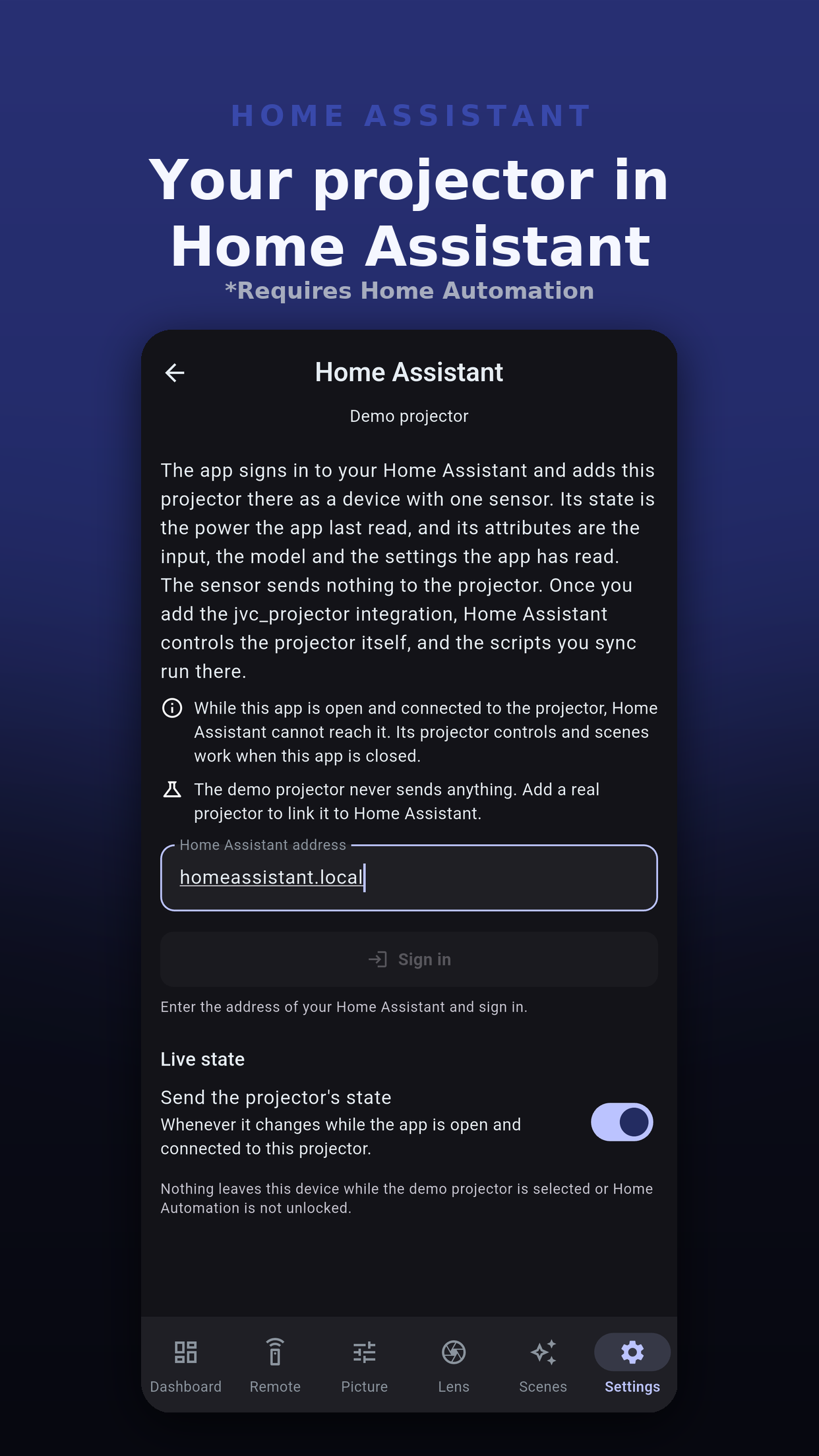
projector-pilot-jvc-, so two projectors never overwrite each other.A section appears only when it has something in it, so a projector without lens memories gets no lens memory section.
| Section | Holds |
|---|---|
| Header | The projector's name, when the state was last updated, power, status and light source hours. |
| Picture | The input and the picture options Home Assistant offers for the projector, such as picture mode, light power, dynamic control, Clear Motion Drive, anamorphic, HDR processing and installation mode, where your model offers them and they are enabled. |
| Scenes | A button per scene script. |
| Power | Power scripts. |
| Inputs | Input scripts. |
| Lens memories | A button per lens memory slot your model has. |
| Controls | The other control scripts, such as picture modes and Hide. |
| Signal | Resolution, color depth, color space, colorimetry and HDR, as Home Assistant reports them. |
| Readings | The settings the app has read, from the live state sensor. |
Built only from Home Assistant's own cards. Works on any Home Assistant, nothing to install.
Uses button-card, card-mod and Mushroom cards from HACS for a richer look. Used only when all three are present.
If any of the three is missing, the app sends the core version and tells you which cards to install from HACS for the styled look. Install them, then send it again.
 Projector Pilot D-ILA